Cleaner ownership transitions, aligned membership data, and AI support that gives trainers more time with members
Every club changes over time. Locations change hands, members move between memberships, trainers juggle growing rosters, and finance teams need their ledgers to match what happened on the floor. October’s releases help clubs keep up with those changes without losing history, accuracy, or trainer time.
The updates below are grouped by the work they support: keeping ownership transitions intact, managing personal training members with AI support, giving members better experiences in the app, and keeping financial data organized for reporting.
Manage Your Business with Confidence
Keep Member History When a Club Changes Hands
Members should not lose their history when a location changes ownership or joins a larger group. IGNITE now supports merging a source group’s locations, members, and data into a target group, so members keep their history without starting over on a new account.
Profiles with matching names are renamed with the source group ID before they move, and billing credits of the same type are combined on the target. Pre-merge backup tables are created, and the source group stays in place after the merge. The IGNITE Engagement team runs each merge on request, so owners get a controlled path for consolidation.
This means:
- Members keep their history when a club changes ownership
- Owners can combine separate Engagement accounts after an acquisition
- Backup tables are created before each merge runs
Keep Membership Information Aligned Across Systems
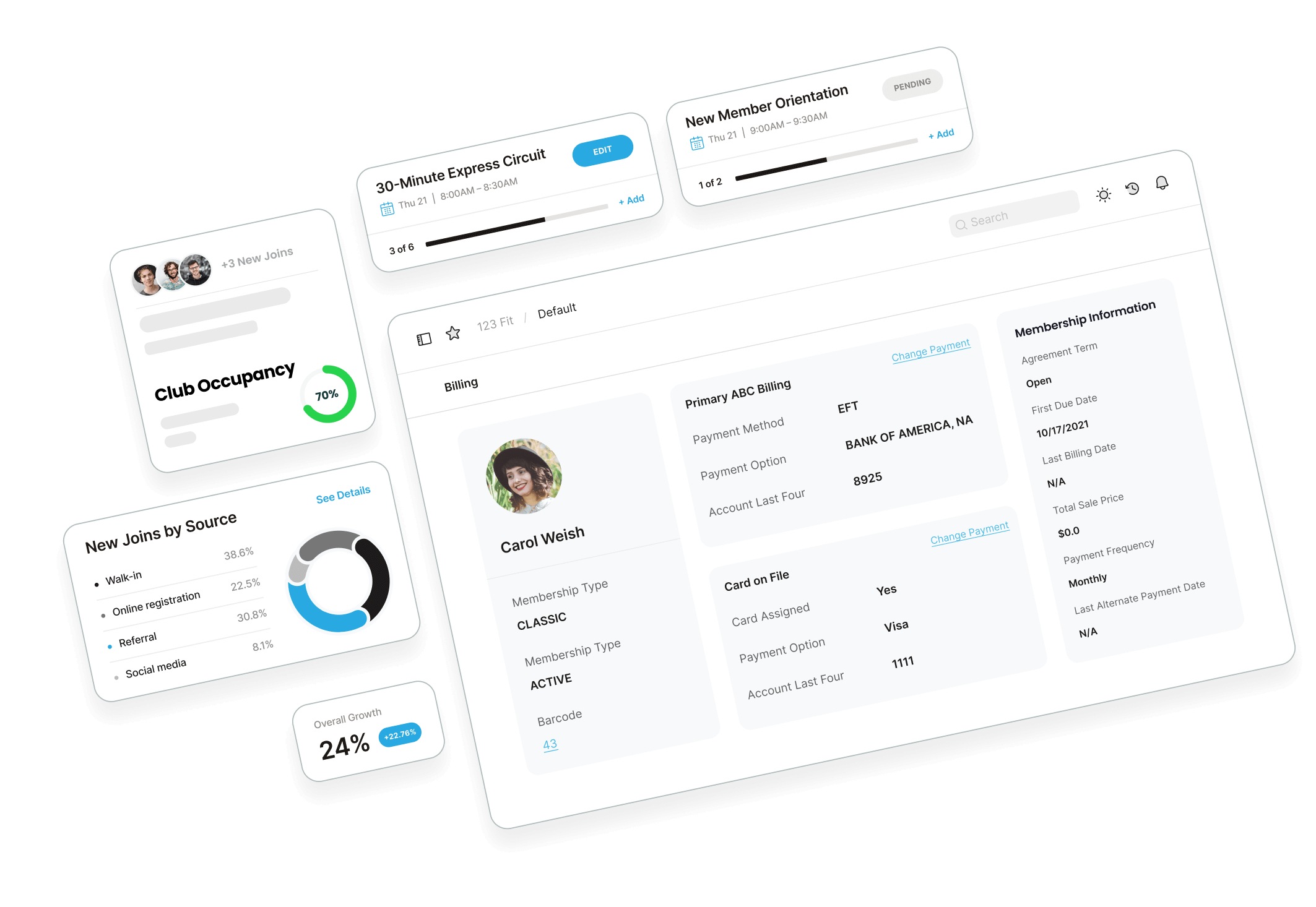
A member’s app should show the membership they actually hold. When a membership type changes in Membership & Operations (M&O), that update now carries through to IGNITE Engagement, so both systems work from the same membership information.
Engage Your Members More Effectively
Keep Workouts Running While Members Explore the App
Members often use rest periods to check their training plan, look ahead at upcoming workouts, or track a pre-workout meal. IGNITE Engagement mobile now lets members move to other screens in the app while an active workout keeps running. The workout stays available from a workout pill on every screen, so members can return to it quickly when they’re ready.
This means:
- Members can review their plan or track a meal between sets without ending their workout
- The active workout stays one tap away from anywhere in the app
- Rest periods become more useful, which supports member engagement during training
Brazilian Portuguese and Spanish in the IGNITE Engagement App
Members are more comfortable when the app speaks their language. Brazilian Portuguese and Spanish are now available in the IGNITE Engagement mobile app, so members whose phones are set to either language see the app’s built-in text in that language. Members on the latest app version see a prompt the first time they open the app, and they can switch back to English at any time.
Built-in text includes buttons, menus, screen titles, form labels, settings screens, and basic error and confirmation messages. Content that clubs and members create, such as group names, stays as entered. Emails, push notifications, exercise and food library names, the Apple Watch app, and the web app remain in English for now.
This means:
- Members can move through the app in Portuguese or Spanish without changing their phone’s settings
- Clearer menus, labels, and confirmations for members who prefer either language
- A simple way to switch back to English, so members stay in control of their experience
Get Notified When Challenge Points Are Awarded
Members stay connected to a challenge when their progress reaches them right away. When a challenge leader awards points to a participant manually, that participant now receives a push notification, so point adjustments are visible as they happen.
See Where a Membership Freeze Stands
Members want to know when a freeze starts, when it ends, and whether one is already scheduled. The Membership screen in the IGNITE Engagement mobile app now shows freeze status, freeze dates, and scheduled freezes in one place, with the details supplied directly by the backend in a display-ready format.
Grow Your Business: Access 2026's Top Fitness Trends Now
DownloadHYROX Workouts Move Into Pilot Rollout
Members who train with HYROX can work with official HYROX content inside their club’s app. The HYROX integration reached production in early October and is now rolling out to pilot clubs, with access granted once a pilot agreement is in place. In mid-October, refinements to HYROX video completion, including rating of perceived exertion (RPE) changes, went live on web.
Grow Your Business More Strategically
Grow your PT revenue without increasing the admin work
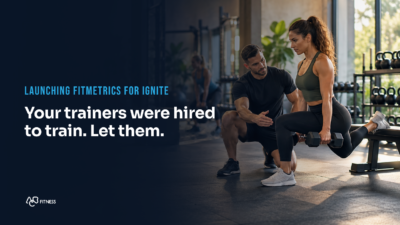
Every hour a trainer spends on check-in reviews, follow-up notes, and progress tracking is an hour not spent with a member. FitMetrics is now available to IGNITE Engagement clubs on the Coach and Total presets. It adds AI-powered support that helps trainers review member check-ins, prepare follow-ups, and keep member conversations and follow-ups in one place.
FitMetrics also identifies members who may be falling behind or have gone quiet, so trainers know who to reach out to. Members can submit photos of their meals for nutritional breakdowns, and multi-location clubs get visibility into member engagement and trainer activity across every location.
This can help clubs:
- Reduce day-to-day administrative work for trainers
- Create more trainer time for member sessions
- Identify members who may be falling behind or going quiet, and follow up with them
- See engagement and trainer activity across all locations
Recover Past-Due Balances with Payment Links
Past-due balances take time to chase, and many members will pay quickly when the request reaches them in the right way. Payment Links send a secure, branded link to a member’s phone by text, so they can pay an outstanding balance with a tap.
Clubs can send a link in three ways. Automatic text reminders go to members with a past-due balance, front desk staff can send a one-time link from a member’s check-in screen, and staff can send a link from a member’s profile in Member Operations during a call. Clubs that want Payment Links can ask their Customer Success Manager about enabling it.
Payment Links are now live for all US clubs, following a 30-day free trial that ran from October 5 to November 5. Clubs that don’t want to use Payment Links can contact their Customer Success Manager to opt out. If a club doesn’t opt out, the Payment Links charge will appear on its next billing statement.
This means:
- Less time spent chasing past-due payments through phone calls and front-desk follow-ups
- Payment requests that reach members directly on their phones
- Balances that can be collected at the front desk or during a member call
Keep Ledger Data Organized for Financial Reporting
Clean financial reporting depends on every transaction type carrying the right ledger and category values. IGNITE Insights, released on October 13, lets finance teams review and correct those mappings in bulk rather than one at a time.
Global Admins can open Transaction Type Mappings, filter transaction types by mapped, partially mapped, or unmapped status, and bulk-update ledger and category values across existing transaction types. Workspace administrators can download GL Codes from Workspace settings, update them in a CSV, and upload it to change many codes at once. The Admin Panel also now opens from a left sidebar, with the same screens and the same access rules.
This means:
- Bulk updates in place of one-by-one edits
- A clear view of which transaction types are mapped, partially mapped, or unmapped
- Ledger values that stay consistent across reporting
Supporting the Next Stage of Growth
Ownership changes, membership updates, and ledger clean-up are the everyday work that keeps a club running well. October’s releases make that work more accurate. Members keep their history when locations change hands, see their memberships and challenges clearly in the app, and move through the app in their own language. Trainers get AI support for check-ins and follow-ups, finance teams work from organized, consistent mappings, and clubs have another way to collect past-due balances.
Want to keep track of new IGNITE releases as they happen? Follow our product updates page at abcfitness.com/product-updates to stay current on what’s new across the platform.